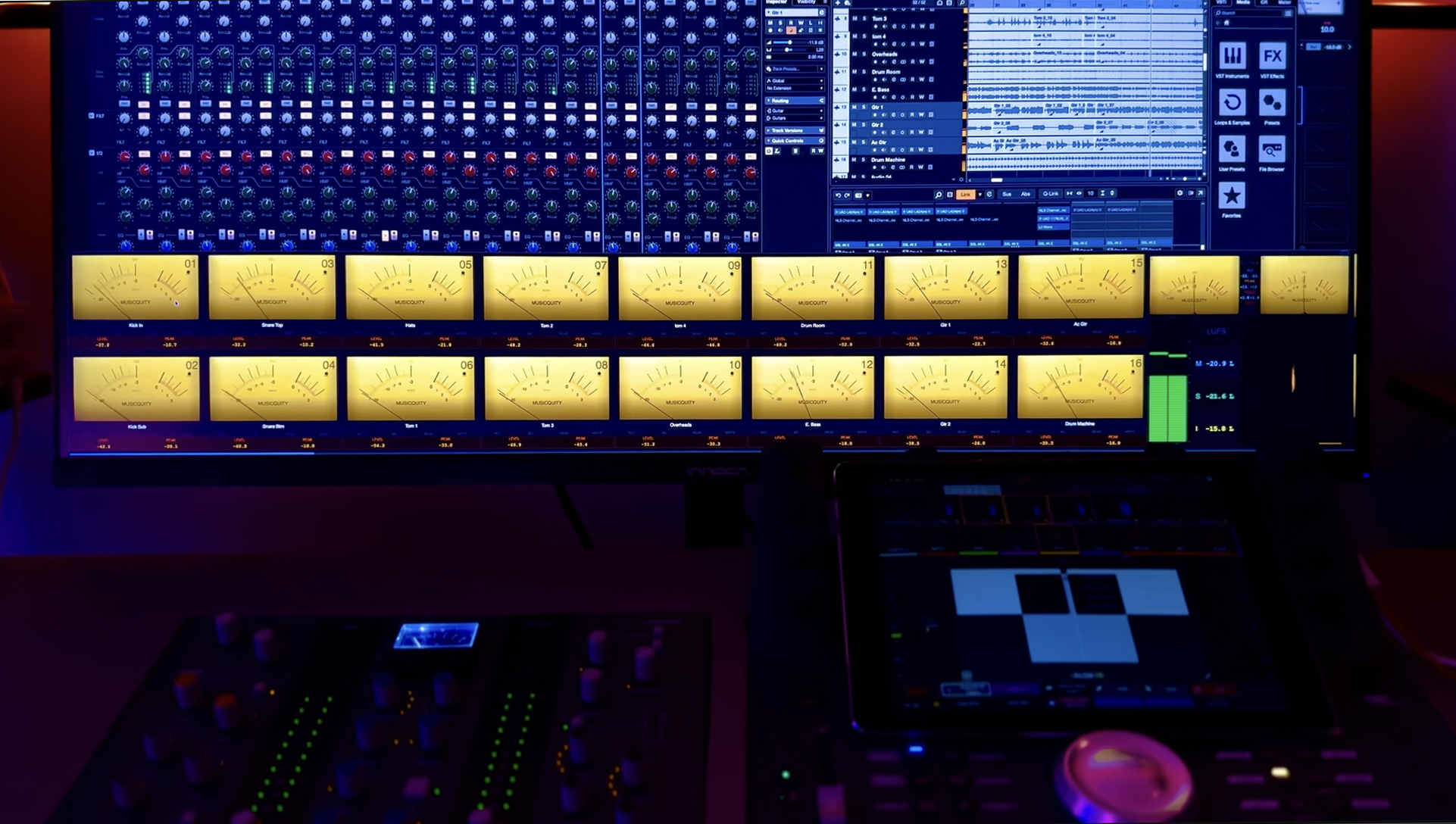
Stop mixing blind.
Turn your DAW into a console.
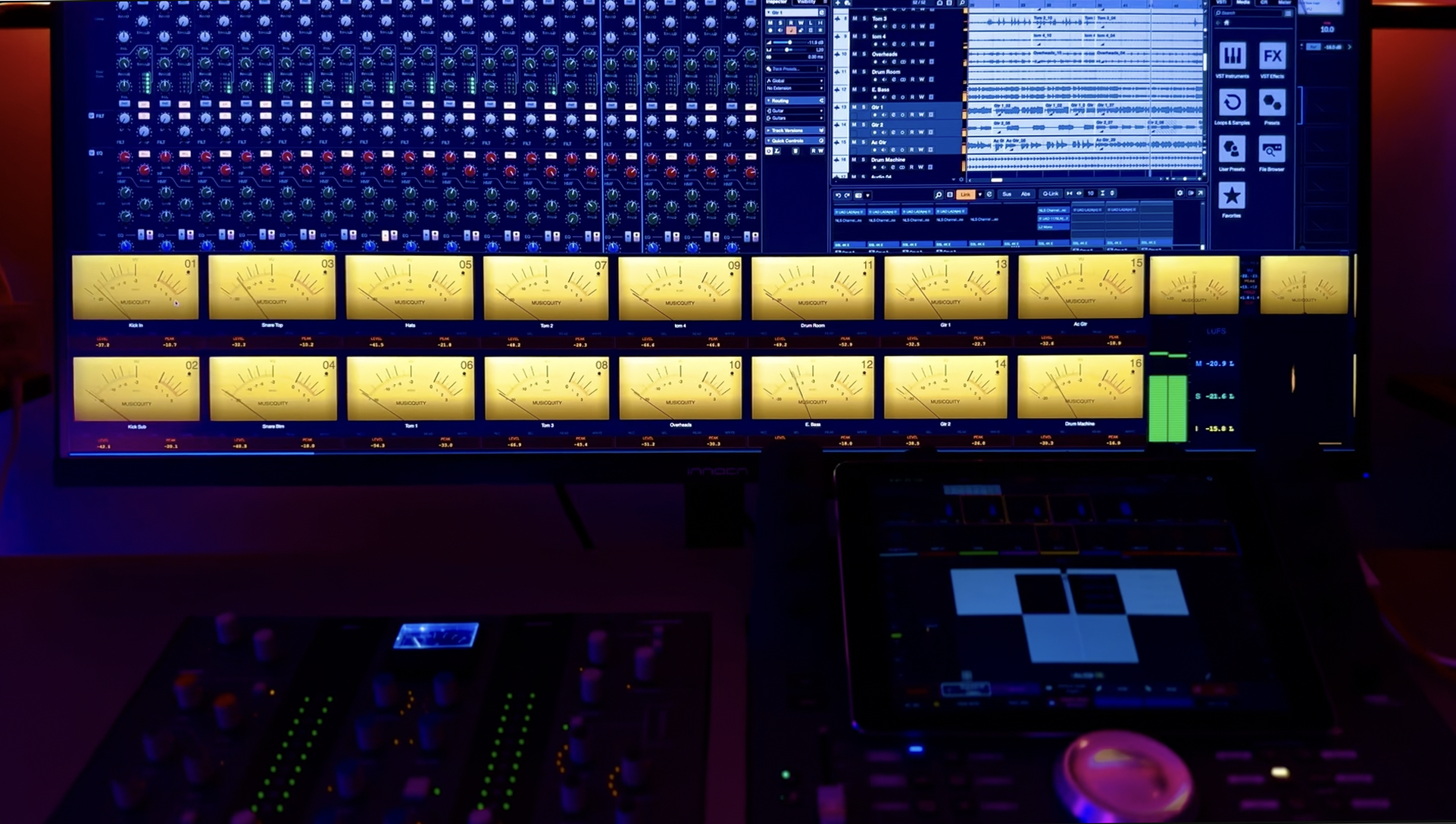
Try and use VuMeter plugin and bridge controller suite, FREE for seven (7) days.
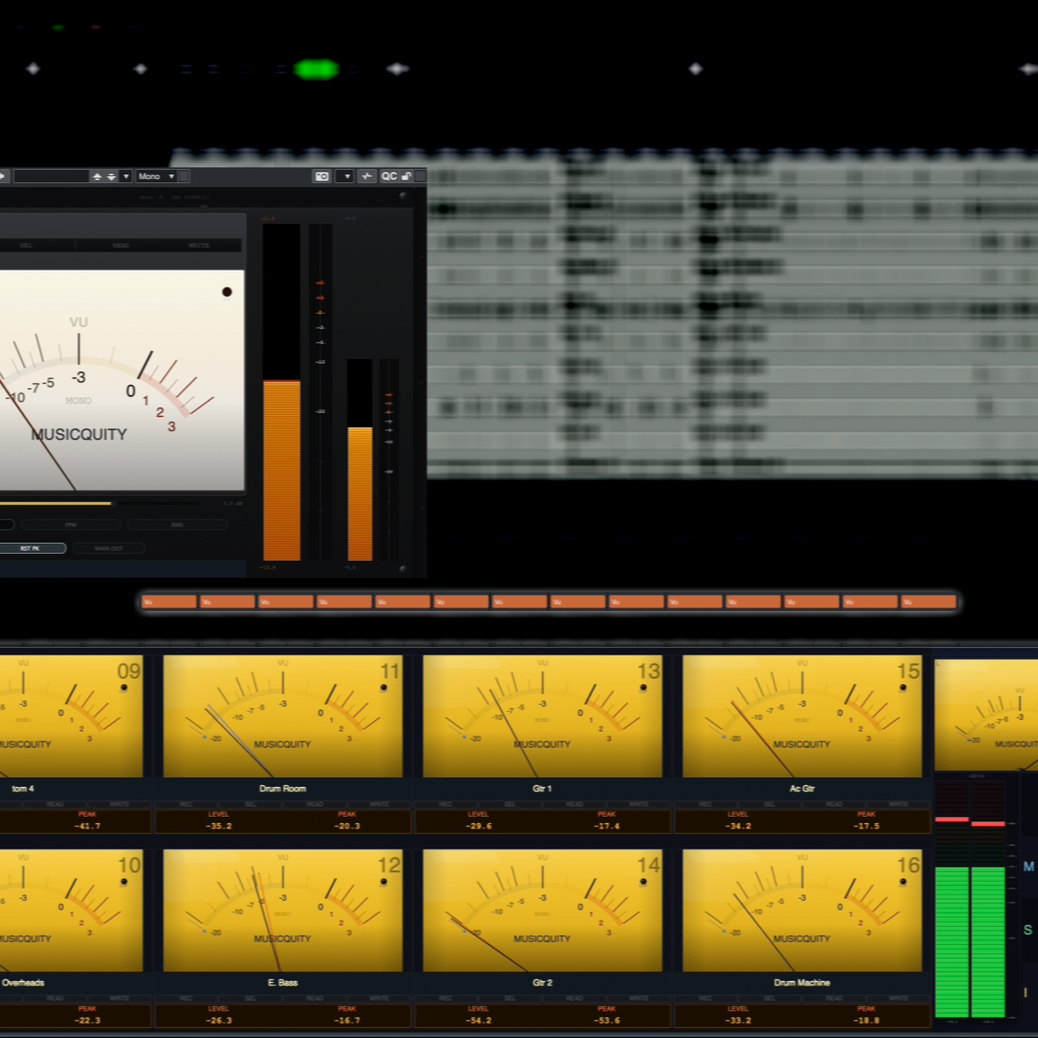
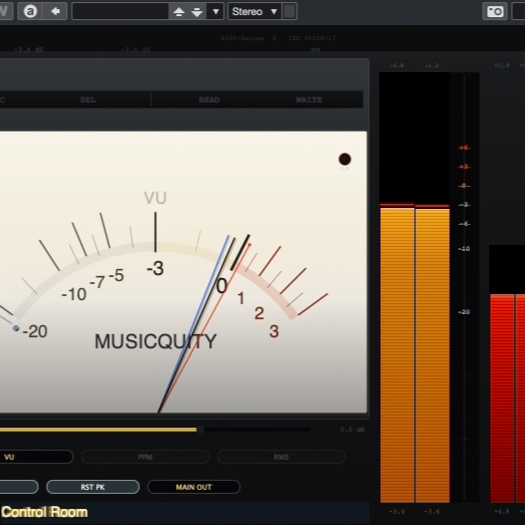
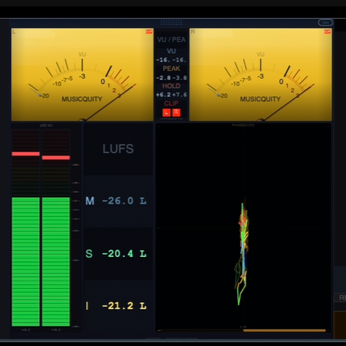
VuMeter turns your DAW into a large-format console with real VU metering, dBFS readouts, LUFS, phase, and a full meter bridge you can actually see while you work. No more opening ten meter plugins. No more guessing your gain staging. Just clean, instant visual feedback across your session.
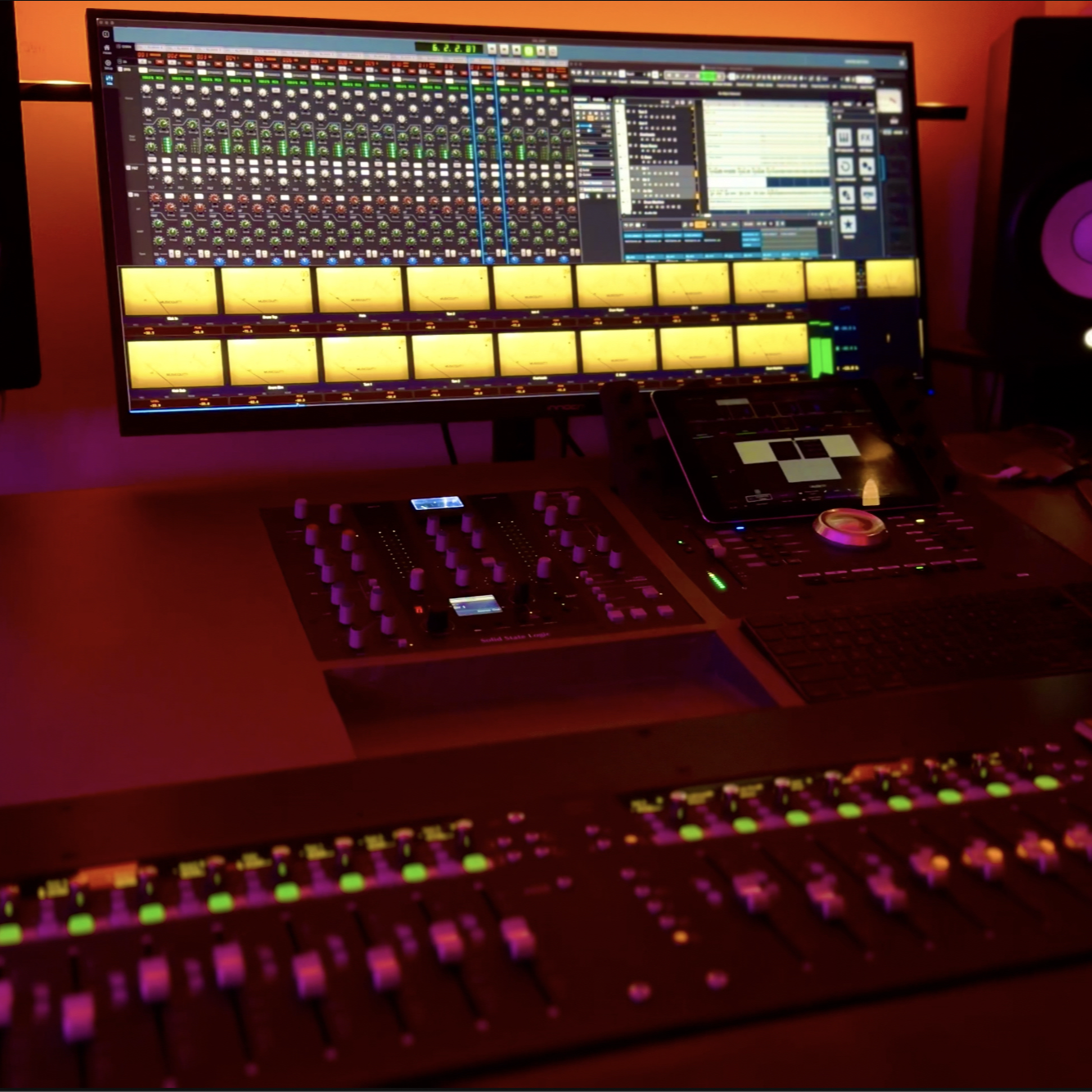
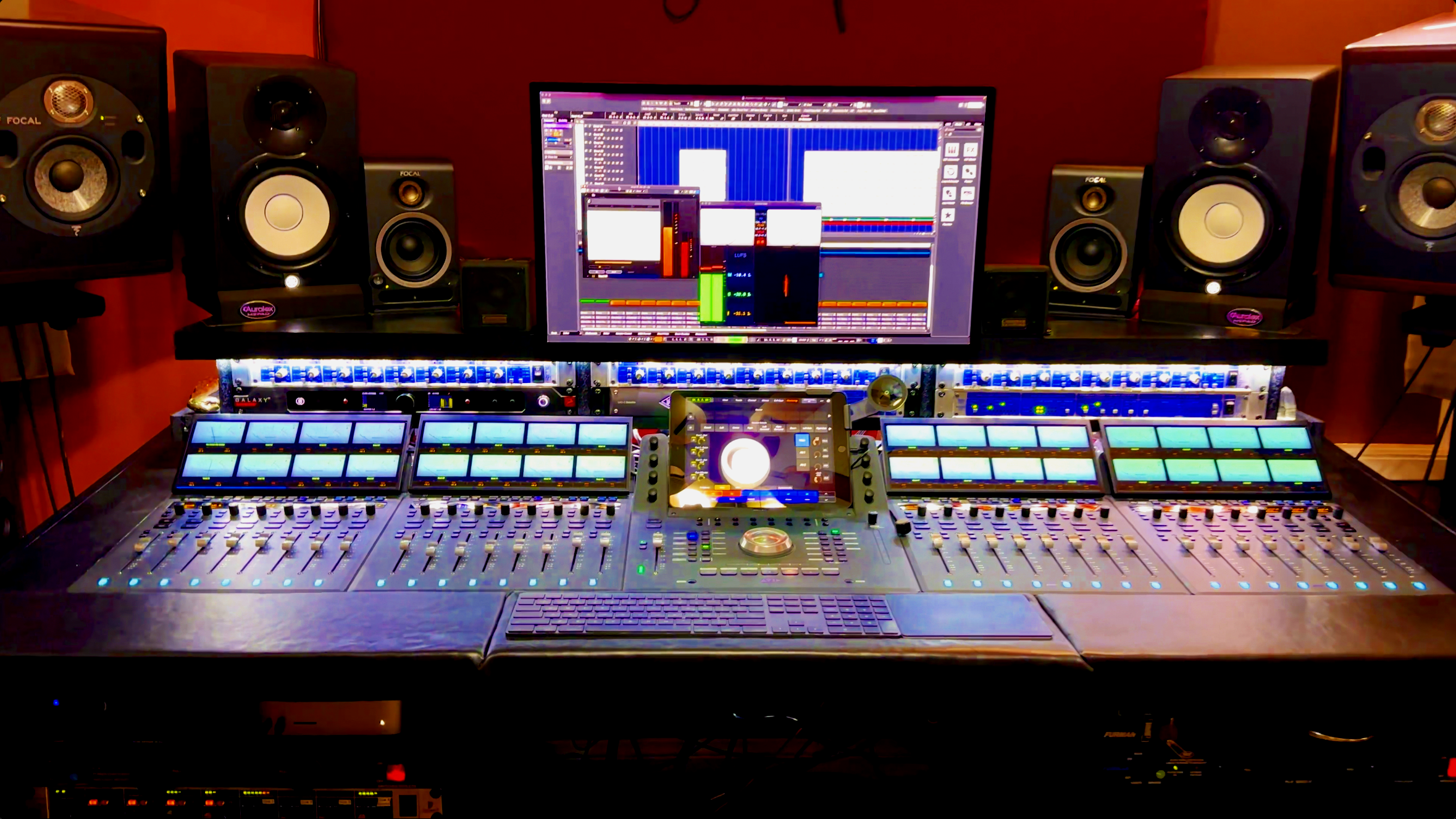
Plugin plus standalone bridge app.
Built for producers, mixers, engineers, and serious creators.
FAQs
-
VuMeter isn’t just another meter plugin—it’s a complete metering system designed to give you the visual workflow of a large-format recording console inside your DAW.
Unlike traditional meter plugins that require opening multiple plugin windows across your session, VuMeter combines all active tracks into a single, dedicated meter bridge. This gives you an instant overview of your mix, making it easier to monitor levels, identify problem tracks, and maintain consistent gain staging without interrupting your workflow.
Key advantages include:
Console-style workflow with a unified meter bridge instead of dozens of individual plugin windows.
Real-time metering across your entire session in one place.
Multiple metering standards including VU, PPM, and RMS with standards-compliant ballistics.
Automatic DAW integration, displaying track names and channel numbers for quick identification.
Comprehensive master section with stereo VU meters, LUFS loudness, phase scope, correlation meter, and LED peak metering.
Lightweight architecture that sends only metering data to the Bridge Controller—not audio—keeping system overhead low.
For engineers, producers, and mixers, the biggest advantage is speed. Instead of searching for individual meter plugins or relying on small DAW meters, VuMeter provides a single, always-visible view of your entire mix, helping you make faster, more informed decisions with greater confidence.
-
VuMeter works by inserting the lightweight VuMeter plugin on the tracks you want to monitor in your DAW. Each plugin instance analyzes its track’s audio in real time and sends metering data to the Vu Bridge Controller. The Bridge then combines all active plugin instances into a single large-format meter bridge, giving you a complete console-style overview of your entire mix.
-
VuMeter is designed for modern Mac-based production environments and supports the most popular professional DAWs.
Minimum Requirements
Operating System: macOS 11 (Big Sur) or later
Processor: Apple Silicon (M1 or newer) or Intel x86_64
Plugin Formats: Audio Unit (AU), VST3, and AAX
Supported DAWs: Cubase, Nuendo, Logic Pro, GarageBand, Pro Tools, Ableton Live, Studio One, REAPER, and other AU, VST3, or AAX-compatible hosts
Display: Minimum resolution of 1280 × 720 (Retina display recommended for the best experience)
-
No. VuMeter is designed to have a minimal impact on your system, even in large sessions.
Each VuMeter plugin instance performs lightweight audio metering and transmits only metering data—not audio—to the Vu Bridge Controller using shared memory. The Bridge handles the visualization, allowing your DAW to remain focused on audio processing rather than rendering multiple meter interfaces.
In typical music production and mixing sessions, VuMeter’s CPU and memory usage are negligible compared to virtual instruments, convolution reverbs, oversampled dynamics processors, or linear-phase EQs. Its primary job is metering, so it is engineered to stay lightweight while providing continuous real-time feedback.
-
VuMeter automatically detects whether a track is stereo or mono and updates its status accordingly—no manual configuration is required.
VuMeter provides true stereo metering by monitoring the left and right channels independently while displaying them together in a single plugin.